

Desktop local development environment for Windows, built with Tauri v2 + React.


DevStack is a desktop tool for managing a local PHP / Apache / MySQL development stack on Windows with a fast native Rust backend.
Live project page: https://holdon1996.github.io/dev-stack/
It is built for developers who want a local stack manager without juggling multiple tools, shell scripts, or a full VM / container setup.
It focuses on:
- managing Apache, MySQL, PHP, Redis, and project services in one UI
- switching installed runtime versions without a heavy VM or container workflow
- handling virtual hosts, local sites, ports, logs, and quick config from one app
- shipping as a native Windows desktop app with tray support and auto-update support
- Start, stop, and monitor local services from one place
- Switch PHP and Apache versions for different projects
- Manage MySQL instances and run quick queries
- Create and manage local sites and virtual hosts
- Review Apache, MySQL, PHP, and Redis logs in the app
- Configure startup behavior, ports, paths, editor, and updates
- Keep the app updated through packaged releases
Services: start, stop, monitor, and auto-start managed servicesGuide: first-run checklist with live checks and one-click fixes, step-by-step recipes, troubleshootingSites: create and manage local virtual hosts and project foldersDomains: domains, aliases, HTTPS (mkcert) and the hosts file; import / export a project'sdevstack.jsonApache: install and switch Apache buildsDatabase: manage MySQL versions and run quick queriesPHP: install, switch, and patch PHP runtimesTunnels: expose local services through supported tunnel providersQuick Config: shortcut actions for common setup tasksSettings: paths, ports, startup behavior, editor, and updates
- Download the latest packaged build from Releases
- Run the
.exeinstaller and install into a short folder without spaces, for exampleC:\devstack. That folder holds the binaries (bin) and your projects (www); avoidProgram FilesandAppData. - Launch DevStack (it asks for Administrator rights: needed for the hosts file, HTTPS certificates and stopping services)
- Open the
Guidepage and fix every red item of the checklist (Apache, PHP, MySQL, Visual C++ runtime, ports, HTTPS CA). Each row has a Fix button. - Follow a recipe from the Guide: multi-repo Laravel + Vue project, Vite frontend, webhooks through a Cloudflare tunnel, database import
A project can ship its DevStack site settings in a devstack.json (domains, HTTPS, Vite ports, PHP FastCGI pool size, groups, queue / scheduler processes). Put it in the workspace next to the repositories (it is found up to two folder levels below www).
- Teammates clone the repositories into
www, openDomains>Project configand pressImport: every listed project is configured in one apply. The confirmation lists the processes the file defines before anything is saved. - After changing site settings, use
Export devstack.jsonand commit the file. - Machine-specific values (FastCGI port blocks, install paths) are never written to the file.
When something fails, logs/devstack-app.log in the DevStack folder keeps the app errors; send it with the Apache tab of the Logs page when asking for help.
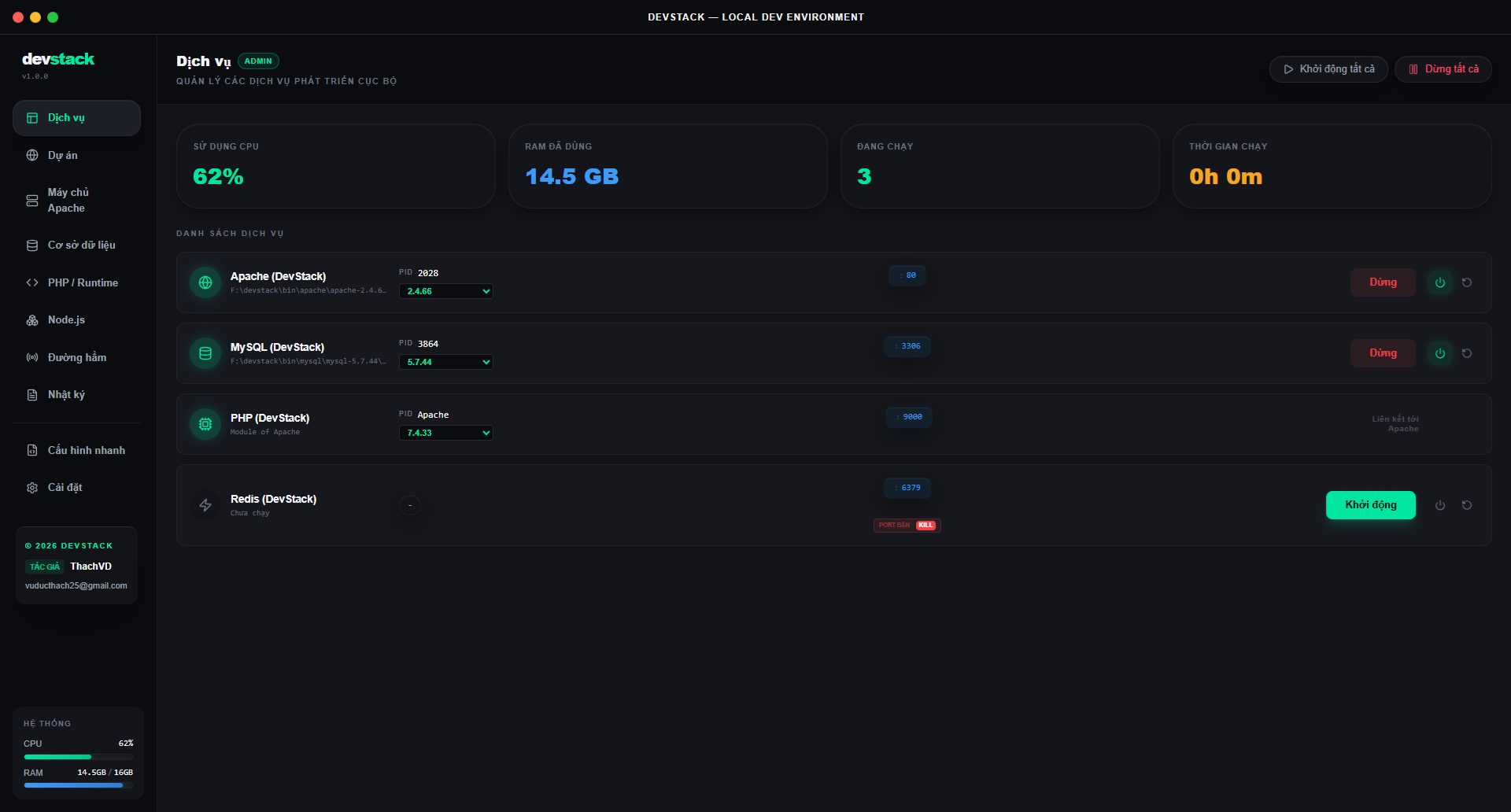
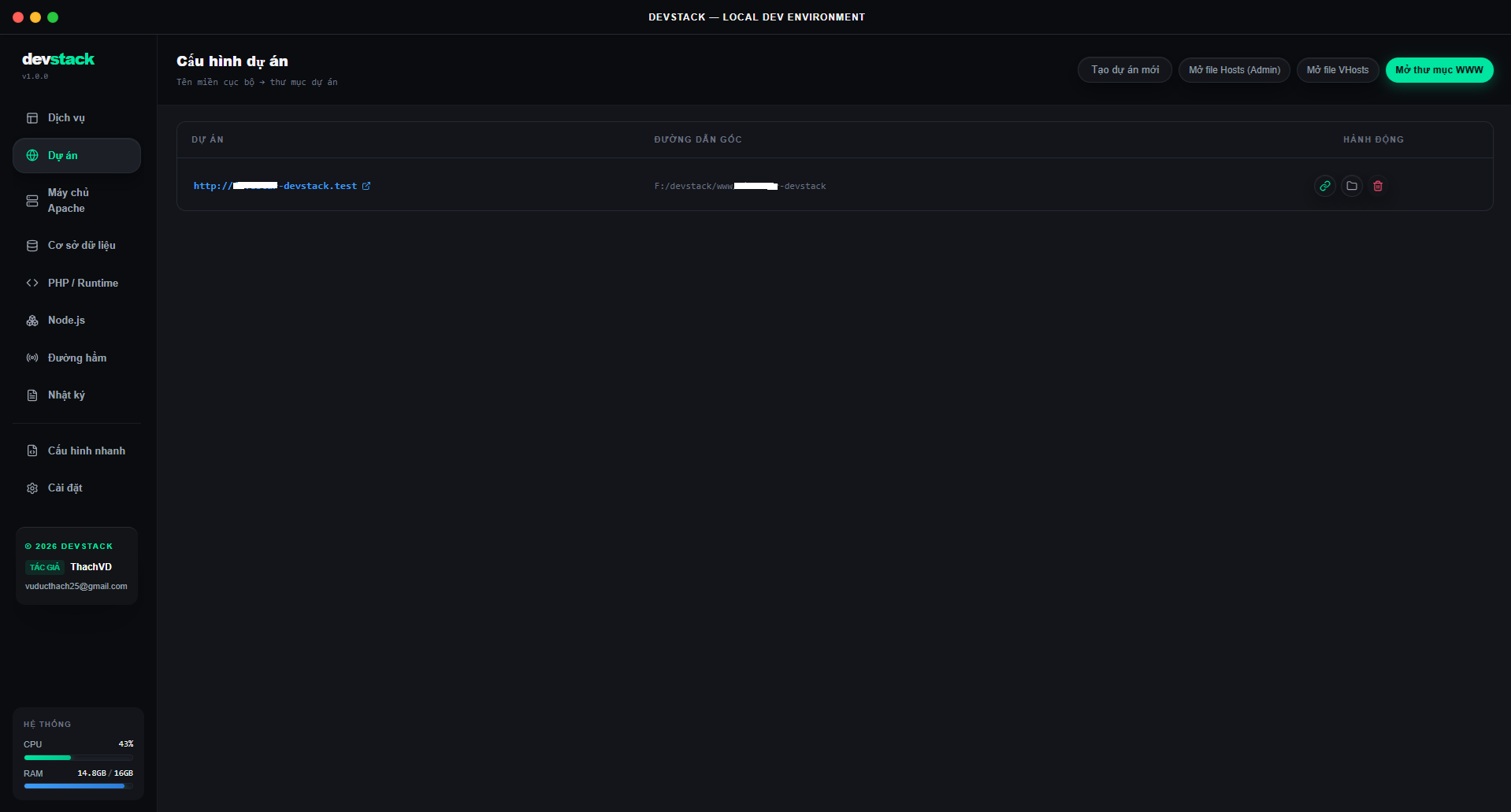
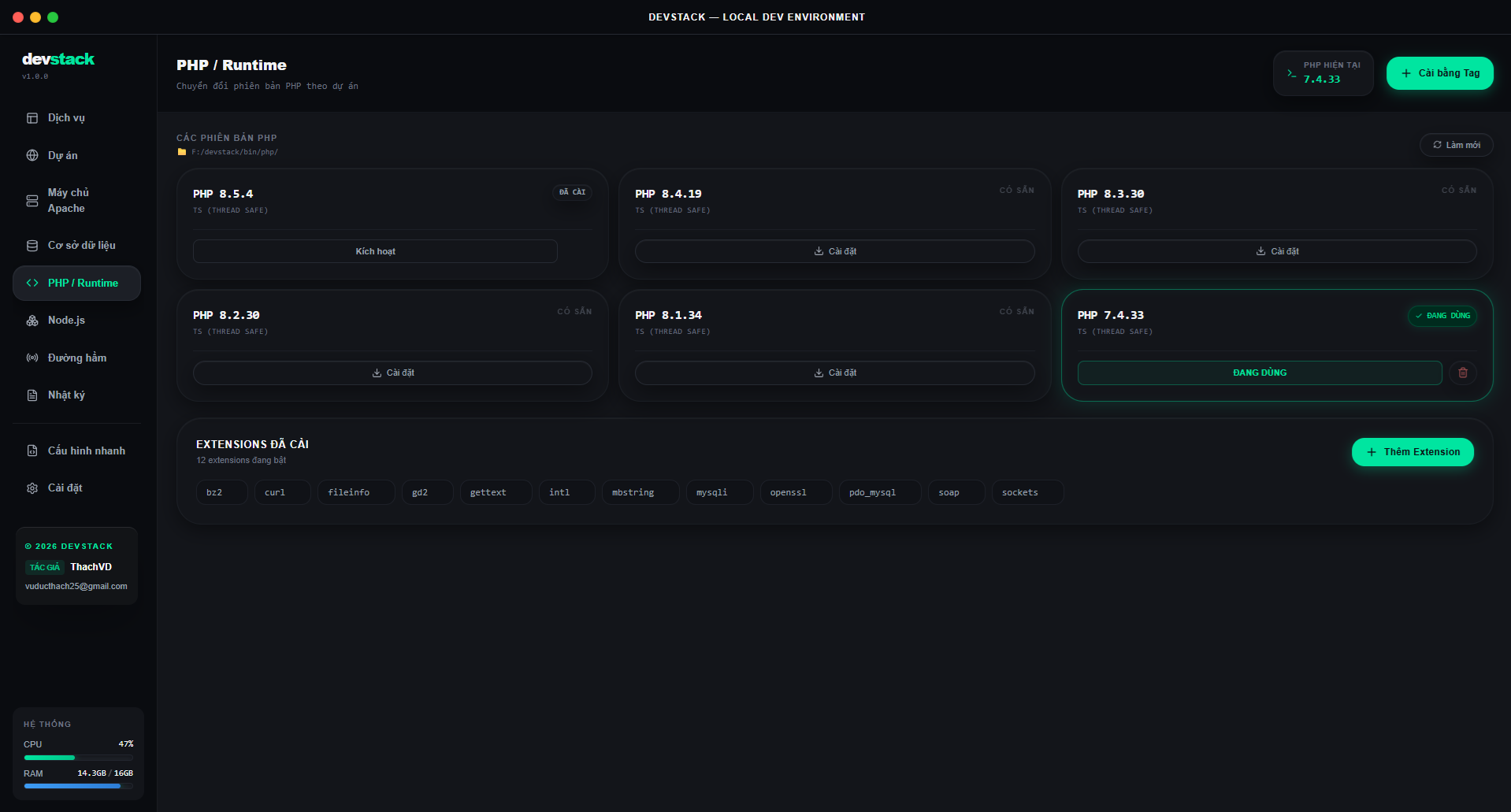
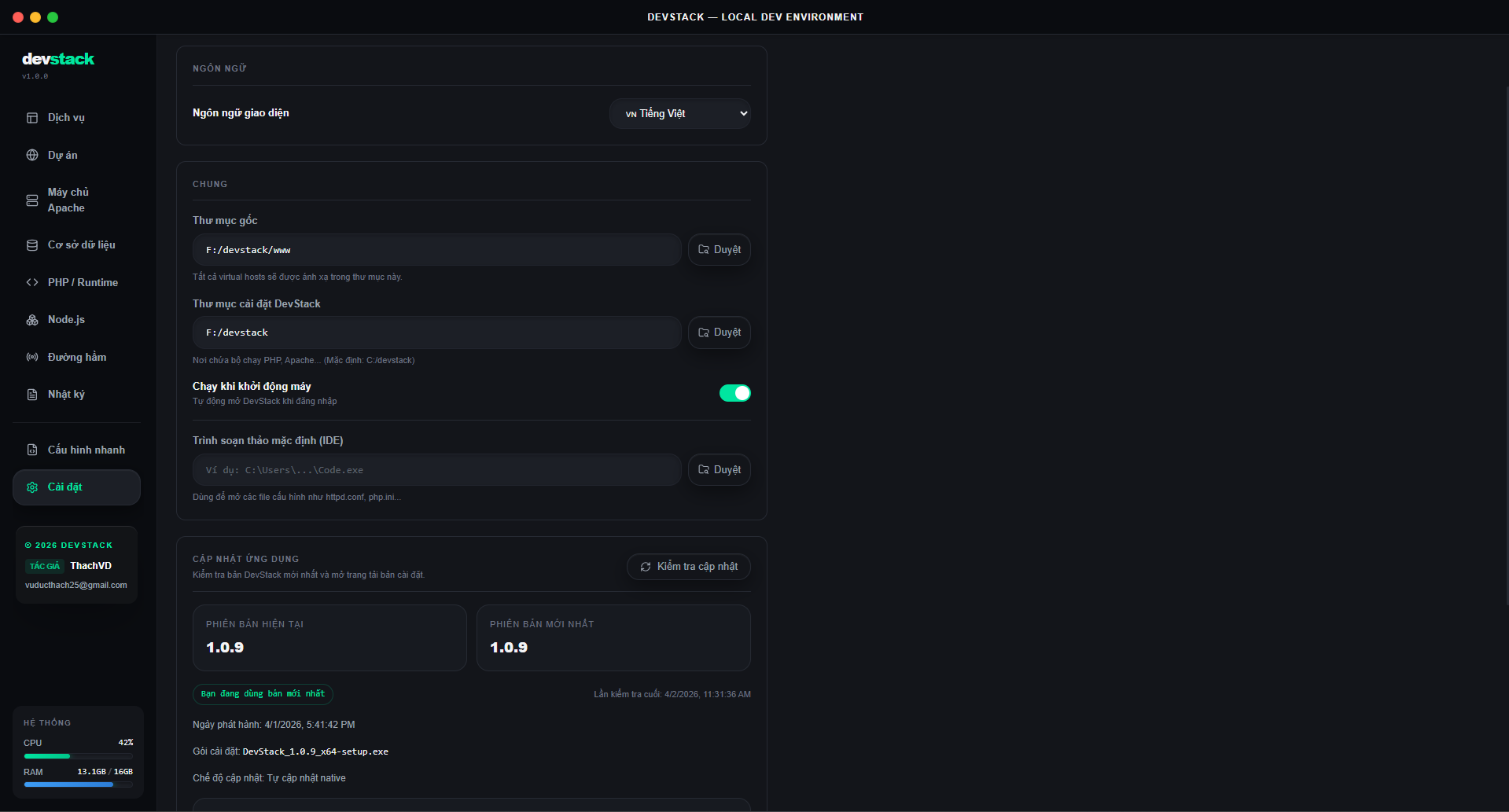
Services: manage running services, ports, versions, and quick actionsSites: create and manage local domains and project foldersPHP: switch runtimes and inspect installed versionsSettings: configure paths, startup behavior, ports, and updates
- If you only want to install and use DevStack, the sections above are enough
- If you want to build, debug, or release the app, see the development notes below
Development Notes
- Node.js 20+
- Rust stable
- Windows
npm install
npm run tauri devnpm run tauri build- Tauri v2
- React 19
- Zustand
- Tailwind CSS
- Rust
src/                 React UI, state slices, hooks
src-tauri/           Rust commands, Tauri config, bundling
src/store/           Zustand slices for app domains
scripts/             Local helper scripts for release and versioning
.github/workflows/   Release automation
Release signing and updater flow are already wired into the app.
- Release workflow: .github/workflows/release.yml
- Local updater env helper: scripts/set-updater-env.ps1
If this repository is private, GitHub-hosted updater assets will not be publicly downloadable by end users. With the current updater URL strategy, the repository should stay public or use a separate update endpoint.
- VS Code
- Tauri extension
- rust-analyzer
- Report bugs or request features: https://github.com/holdon1996/dev-stack/issues
- Download packaged builds: https://github.com/holdon1996/dev-stack/releases
If DevStack is useful in your workflow, you can support the project here:
