Take control of the cloud like never before. 800+ self-hosted apps, a real desktop in your browser, and every file you own a double-click away. Free, private, and running on whatever hardware you already have.
Deploy HomeDock OS everywhere. Available for all platforms.



- 800+ apps — 180+ curated in the official App Store, plus six community stores one click away.
- 80+ file types — Photos, camera RAWs, PSDs, spreadsheets, Word documents, PDFs, code, music and video, right in the browser.
- Zero plugins — No office suite, no codecs, no image editor to install. It all ships inside HomeDock OS.
- 3 OSes, 4 architectures — Linux, macOS and Windows, on x86, x86_64, ARM and ARM64. Yes, even a Raspberry Pi Zero.
- 1 certificate — A single automatic Let's Encrypt wildcard covers every app you install, without opening a port for it.
- €0, forever — The full desktop, free. No trial, no account, no strings attached.


 |
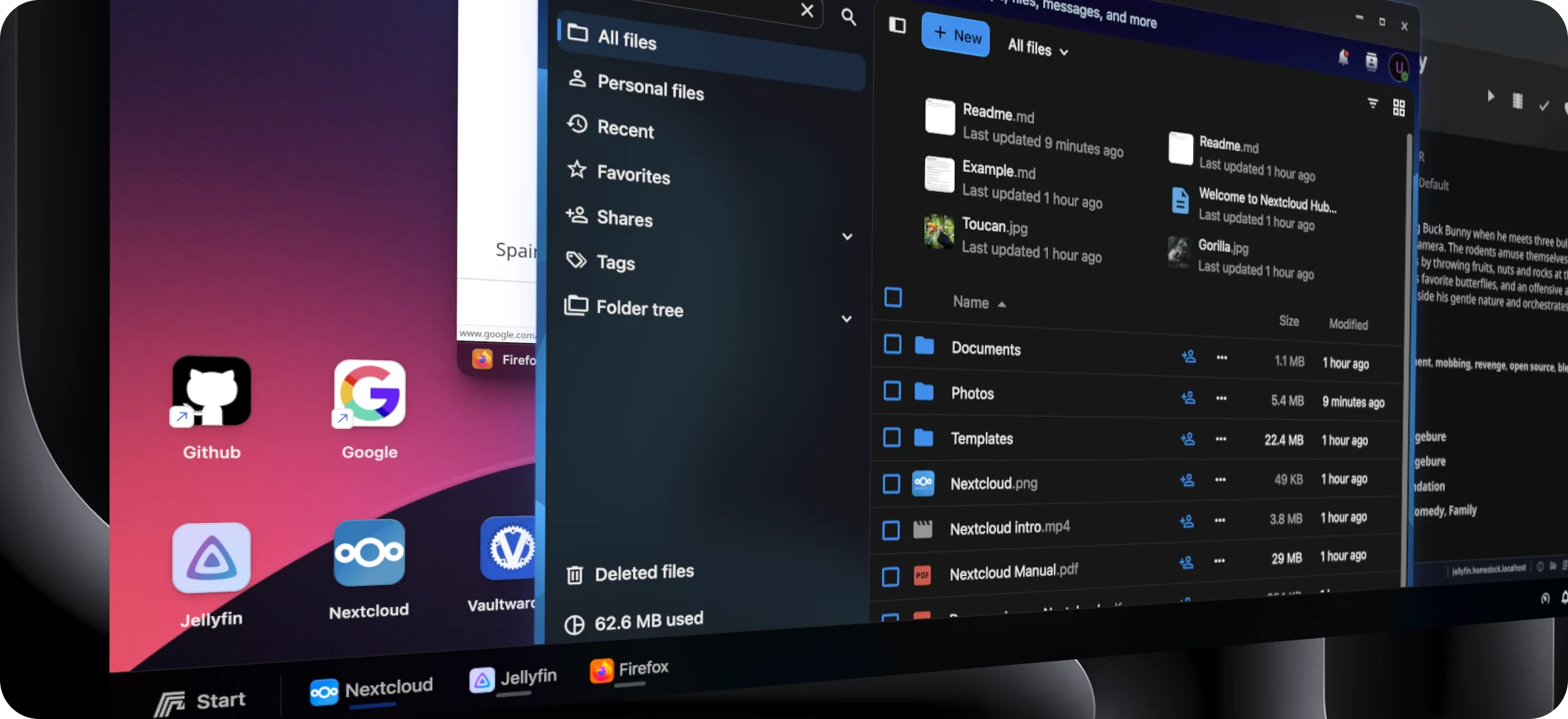
Universal Compatibility Any device is your new device. HomeDock OS runs on Linux, Windows, macOS and Raspberry Pi, on legacy and modern hardware alike. |
 |
Privacy by Design Your data, your rules. Your files stay on your machine, encrypted where it matters, both on-premise and in the cloud. |
 |
Reachable From Anywhere Any device with a browser is a way in, with HTTPS certificates HomeDock OS obtains and renews for you. |
 |

A Desktop, Not a Dashboard Powered by our Prism Window Manager, HomeDock OS feels like the operating system on your laptop, not a grid of links. |


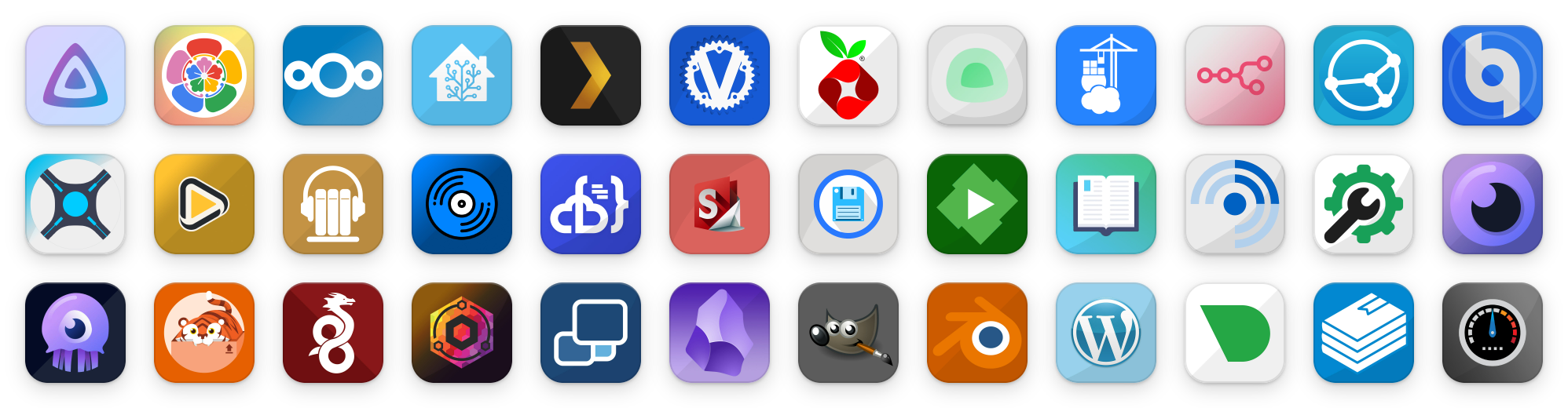
Jellyfin, Immich, Nextcloud, Home Assistant, Plex, Vaultwarden, Pi-hole… and hundreds more.
 |
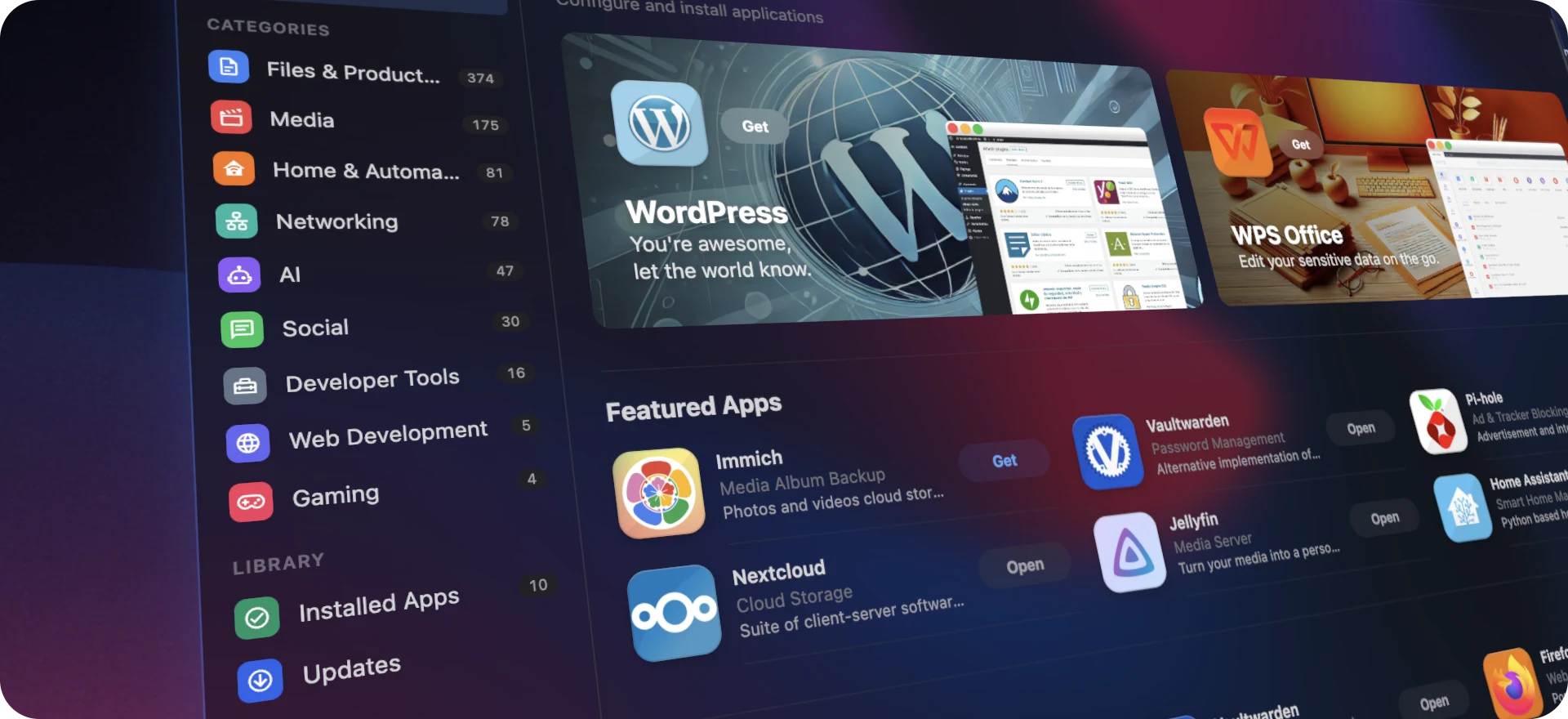
Official App Store 180+ curated applications, from Nextcloud to Jellyfin, Immich to Home Assistant, in an App Store you already know how to use: Discover, categories, a Library with what you installed, and an Updates tab. Install anything in seconds. |
 |
Six Community Stores Casa App Store, BigBearTechWorld, TMC Store, Zima App Store, Coolstore and Casa LinuxServer, one click each from Packager. Their apps are converted to HomeDock OS packages automatically, icons, volumes, networks and ports included, taking your catalogue past 800 applications. |
 |
Know Before You Download Every app page shows how much it will download on your server, dependencies included, and warns you when an app wasn't built for your processor before you install it. |
 |
Advanced Install Config Ports, volumes, environment variables, network mode, capabilities and privileged mode, or the raw compose file if you prefer. Port conflicts tell you exactly which app is in the way, and default credentials come with copy-to-clipboard. |
 |
Packager Build your own .hds packages from any Docker Compose file with a live preview of how they'll look in the App Store, bundle dozens of them into a .hdstore file, and migrate CasaOS compose files in one drop. Open formats: every package is a signed ZIP you can always unzip. |
 |
Automatic Updates Apps on :latest are checked in the background, with a badge in the taskbar and an Update All button when there's more than one. |
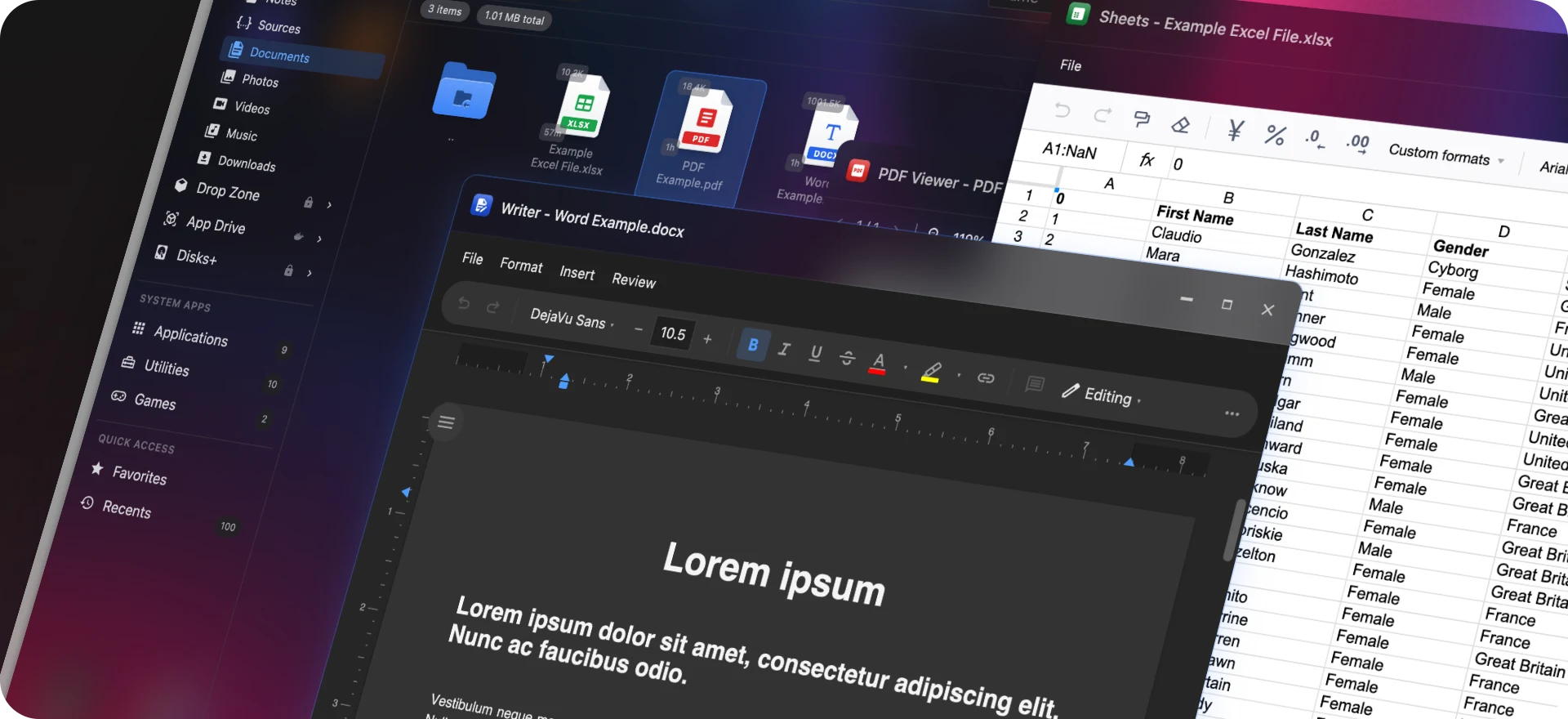
Double-click a file in the File Explorer and it opens right there, in your browser, with nothing extra to install. Photos show real thumbnails, and you can drop files from your computer straight onto any viewer.

| Formats | |
|---|---|
 Images |
              |
 Camera RAW |
        |
 Spreadsheets |
 opened and edited in Sheets, with formulas and formatting kept intact opened and edited in Sheets, with formulas and formatting kept intact |
 Documents |
 opened and edited in Writer · opened and edited in Writer ·  in the PDF Viewer · in the PDF Viewer ·   with live preview in Notepad with live preview in Notepad |
 Code |
                    and more, 45 extensions with syntax highlighting and more, 45 extensions with syntax highlighting |
 Archives |
    browsed, previewed and extracted in Zipfile, password-protected ZIPs included · compress anything to ZIP, with or without a password browsed, previewed and extracted in Zipfile, password-protected ZIPs included · compress anything to ZIP, with or without a password |
 Video |
    |
 Audio |
     with cover art and a 3D/2D live spectrum analyzer with cover art and a 3D/2D live spectrum analyzer |
Every file is checked against its magic bytes before it opens, so a renamed executable never gets treated as a picture.
|
Prism Window Manager Resizable, draggable, snappable windows with real multitasking: watch logs while an app installs and files upload. Quick View ( F3) spreads every open window out at once. |
 |
OnScreen Apps Your self-hosted apps open inside HomeDock OS as real windows, not as a pile of browser tabs. Put Jellyfin next to Immich next to a terminal and use them all at once. |
 |
Start Menu & Finder Start typing and your apps and files show up. Pin what you use, find what you opened last, and search everything Spotlight-style. |
 |
Widgets Clock, System, Storage, Notes, Network, Calendar, Media and Shortcut, right on the desktop. |
 |
Your Desktop Follows You Folders, icons, widgets and pins are stored on the server, so every device sees the same desktop, rearranged to fit its screen. |
 |
Built for Phones Too Swipeable home screen pages, full-screen windows, long-press menus and an App Store with a tab bar, like the phone in your pocket. |
 |
Three Themes Default (light), Noir (dark) and Aero+ (glass), themed down to the last context menu. Bring your own wallpaper. |
 |
A Terminal for Every App Right-click any app and get a real shell inside its container, with the right shell picked for you, colors, and extra keys on phones. Closing the window actually ends the session. |
 |
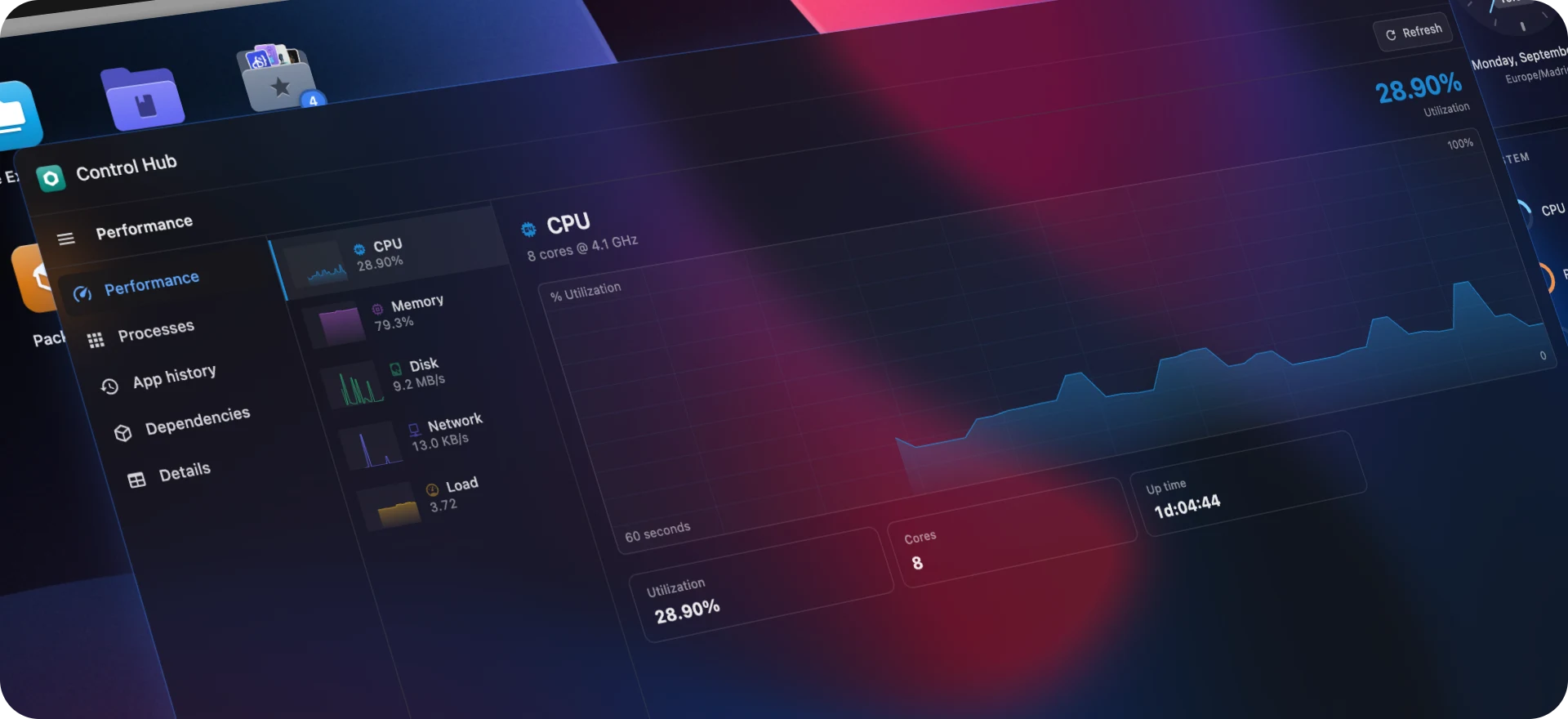
Control Hub A Task Manager for your server: live CPU, memory, disk, network and temperature graphs, per-app processes, history, dependencies and details. |
 |
Live Logs Always live, in color, searchable, and downloadable by time range. |
 |
Dependencies You Can See When an app's database is down, the app's icon tells you instead of letting you guess. |

 |
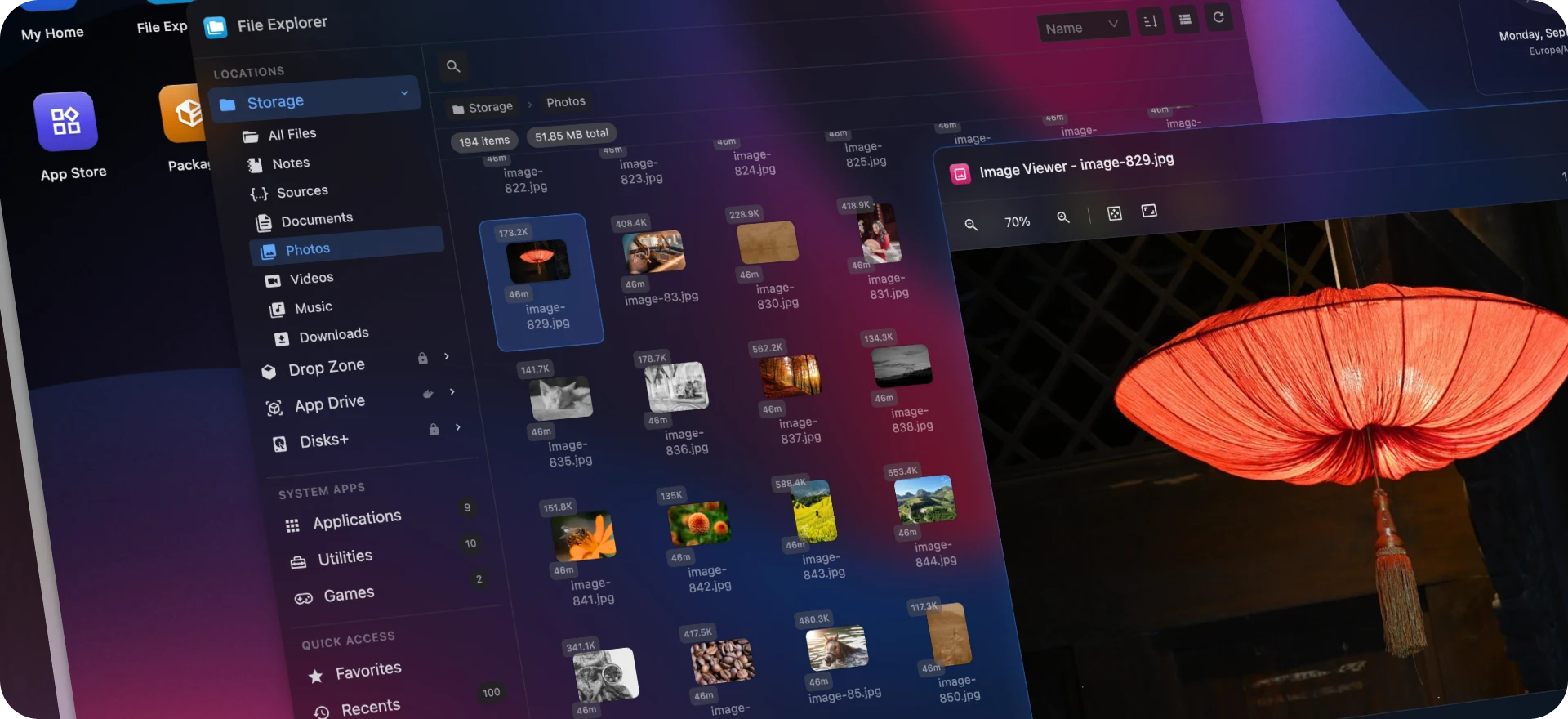
Unified File Explorer Four places in one window: Storage (your files), Drop Zone (AES-256-GCM encrypted), App Drive (your apps' own volumes) and Disks+ (every physical disk). Favorites, recents, grid and list views, multi-selection and thumbnails. |
 |
Disks+ Internal SSDs, USB drives and optical drives, behind your password, with protected zones for system paths and hot-plug detection. |
 |
Drop Zone Encryption AES-256-GCM with HKDF-derived per-user keys and atomic writes. |
 |
App Drive Browse, upload and edit files inside your containers' volumes, including folders outside HomeDock OS once you confirm it's you. Works on Windows too. |
 |
Uploads That Don't Get Lost Progress for every location in the taskbar, with queues and full folder drops. |

 |
Sheets Open, edit and save Excel spreadsheets. |
 |
Writer Open, edit and save Word documents. |
 |
Notepad Text and Markdown with live side-by-side preview. |
 |
Code A tabbed code editor with syntax highlighting for 45 file types. |
  |
Image Viewer & Brusher View everything from PNGs to camera RAWs with zoom and pan, and sketch or annotate in Brusher. |
 |
Media Player Video and audio with a live spectrum analyzer and taskbar controls. |
 |
PDF Viewer Powered by PDF.js. |
 |
Zipfile Browse ZIP and TAR archives, open any file inside without extracting, and extract or compress with an optional password. |
 |
Calendar & World Clock Color-coded calendars, ICS import and export, and up to 12 time zones. |
 |
Calculator With full keyboard support. |
  |
Games Neon Rush, an endless neon arcade racer, and Packet Snake, the classic snake eating packets with your apps' icons. Gamepad and touch included. Built entirely with Three.js and zero assets: every model is procedural and every song and sound effect is synthesized live. Because almost every OS ships with a game or two, so why shouldn't we? |

 |
Two-Factor Authentication (2FA) TOTP-compatible with Google Authenticator, Authy, Microsoft Authenticator and more. QR setup, 10 backup codes and "Trust this device" for 30 days. |
 |
Single Sign-On for Every App Apps without a login of their own inherit yours: requests without a HomeDock OS session never reach them. A per-app Exposure switch covers companion apps that can't sign in. |
 |
Hybrid RSA + AES-GCM Encryption 4096-bit RSA-OAEP for key exchange and AES-256-GCM for data. Passwords, settings and Disks+ unlocks are encrypted end-to-end even without HTTPS. |
 |
Hardened by Default Path traversal protection, symlink validation, null byte injection prevention, CSRF validation on every endpoint, rate limiting, DoS limits and input sanitization throughout. |
 |
Proactive CVE Patching We patch vulnerabilities within hours of disclosure, often before they're even a day old. The changelog speaks for itself. |

 |
Built-In Reverse Proxy Every app gets its own address ( jellyfin.yourdomain.com) instead of a fragile subfolder. Installing an app is the whole setup: no proxy entries, no virtual hosts, no DNS records. |
 |
Automatic HTTPS Pick your DNS provider, paste a token, and HomeDock OS obtains a Let's Encrypt wildcard certificate over DNS, without opening a single port for it. Apps that only speak HTTP are served over HTTPS anyway. |
 |
Automatic IP Updates Your domain keeps pointing home when your ISP changes your IP. |
 |
Docker-in-Docker Run HomeDock OS itself in a container, with automatic host detection and path translation. |
 |
Server-Sent Events One real-time stream instead of a dozen polling endpoints, with delta-only updates and automatic reconnection. |
 |
Local DNS (mDNS) Reach your instance at homedock.local on day one. |



HomeDock OS is designed to be universally compatible across platforms and architectures:

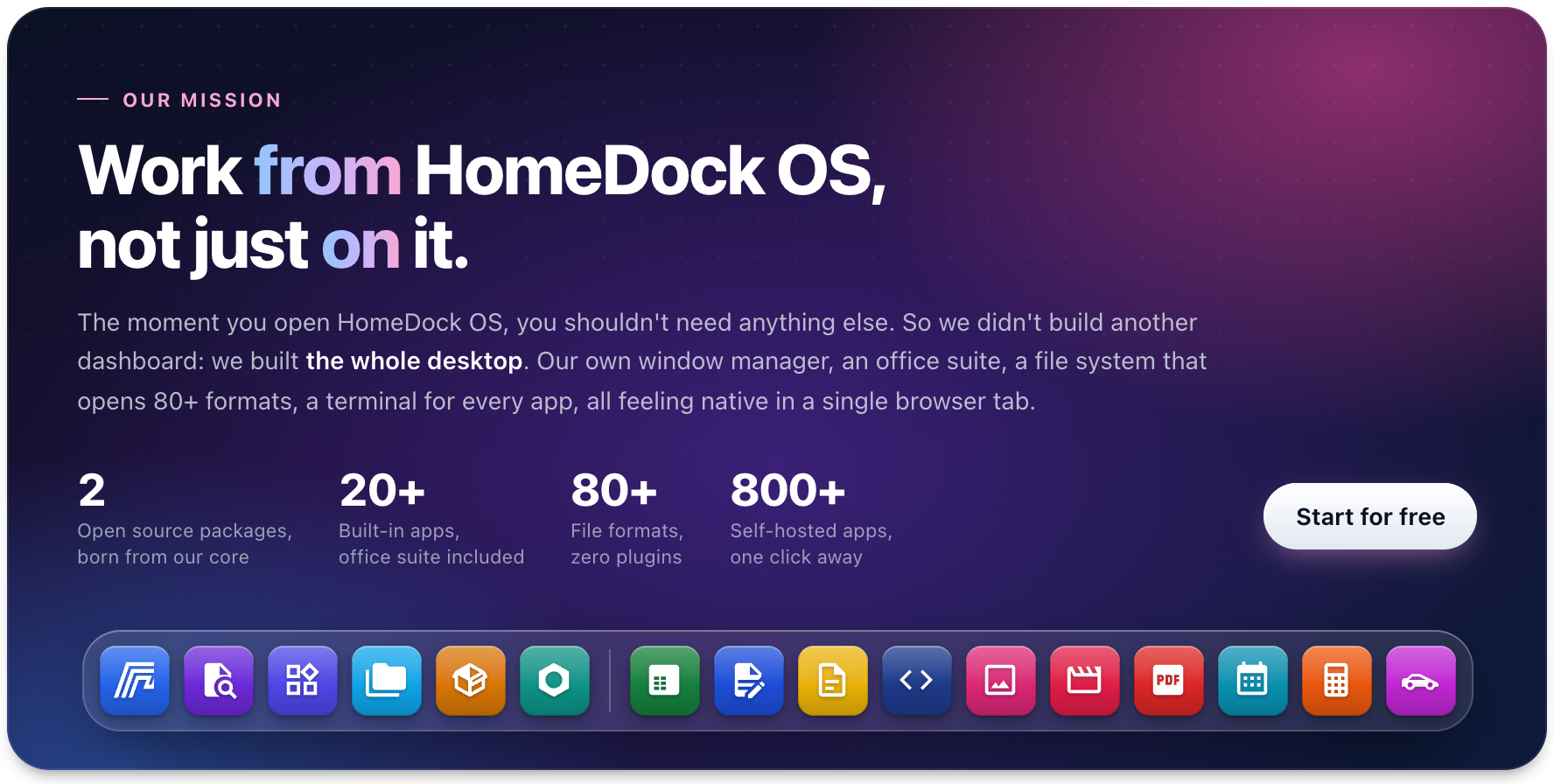
Whether you're using a Raspberry Pi, an old laptop or the latest workstation, HomeDock OS adapts to your setup. It detects applications installed by similar systems, and imports their stores and compose files, so moving over takes minutes.

The pieces HomeDock OS is made of are becoming standalone open-source projects, one by one. The same code that runs your desktop, published so anyone can use it, audit it and build on it:

- Prism Window Manager (
@prism-wm, AGPL-3.0): the window manager behind every HomeDock OS window. A framework-agnostic core with bindings for Vue 3, React and Svelte: dragging, resizing, snapping, dialogs, and memory management for minimized windows. - vite-fusion (
pip install vite-fusion, MIT): serves a Vite frontend from Flask, with the dev server and hot reload while you work, the production manifest when you ship, CSP nonces on every tag and React Fast Refresh.

Every window, menu, dialog and date is translated into 11 languages, and only the one you use is downloaded. Choose it during setup or anytime from Settings → Interface Language. Missing yours? Tell us on Discord.

You never need to pay to self-host HomeDock OS. Cloud Instances are the exact same software, hosted for you, and every subscription funds what comes next. If HomeDock OS makes your day-to-day a little easier and you'd like to give something back, that's the way to support us. Enterprise adds separate Enterprise modules for businesses running it on their own servers.




All the guidance you need to unlock the potential of HomeDock OS is available in our documentation.


Stay Ahead with HomeDock OS Updates. Join our vibrant community and keep up with the latest updates, features, and tips.



A huge thanks to all contributors, partners, and users who make HomeDock OS a reality. Together, we're redefining how the world experiences the cloud.


HomeDock OS is written line by line by a small, self-funded team in Spain. Its Vue and TypeScript desktop and the Python backend that drives Docker are glued together by vite-fusion, and every window you drag, snap or minimize is managed by Prism Window Manager. We needed both to build HomeDock OS, so we built them as standalone packages and gave them back to the community: free, open source and published on PyPI and npm. If they help you build your own thing, they're yours too.
Below, the numbers behind HomeDock OS itself, counted straight from its own source, comments included. Those two packages live in their own repositories and aren't part of the count.